Grading Pro
Learn how to use Grading Pro to create or modify surfaces reusable across different projects.

Grading Pro modifies or creates surfaces based on sections positioned from a reference. The defined sections and setup can be stored and reused across projects. Whether you’re designing proposed terrain, pads, or optimizing cut/fill, Grading Pro takes the complexity out of site grading with multi-criteria reusable surface design.
Key Features:
- Surface Grading - Main functionality to modify or to add surfaces with defined grading.
- Grading Setup - Two-tab interface to setup sections and sections placement.
- Section Definition Methods - A variety of methods to set points defining the feature lines.
- Flexible Section Placement Setups - Individual and range-based station configurations.
- Template System - Save and reuse configurations across projects.
Getting Started
Basic Workflow
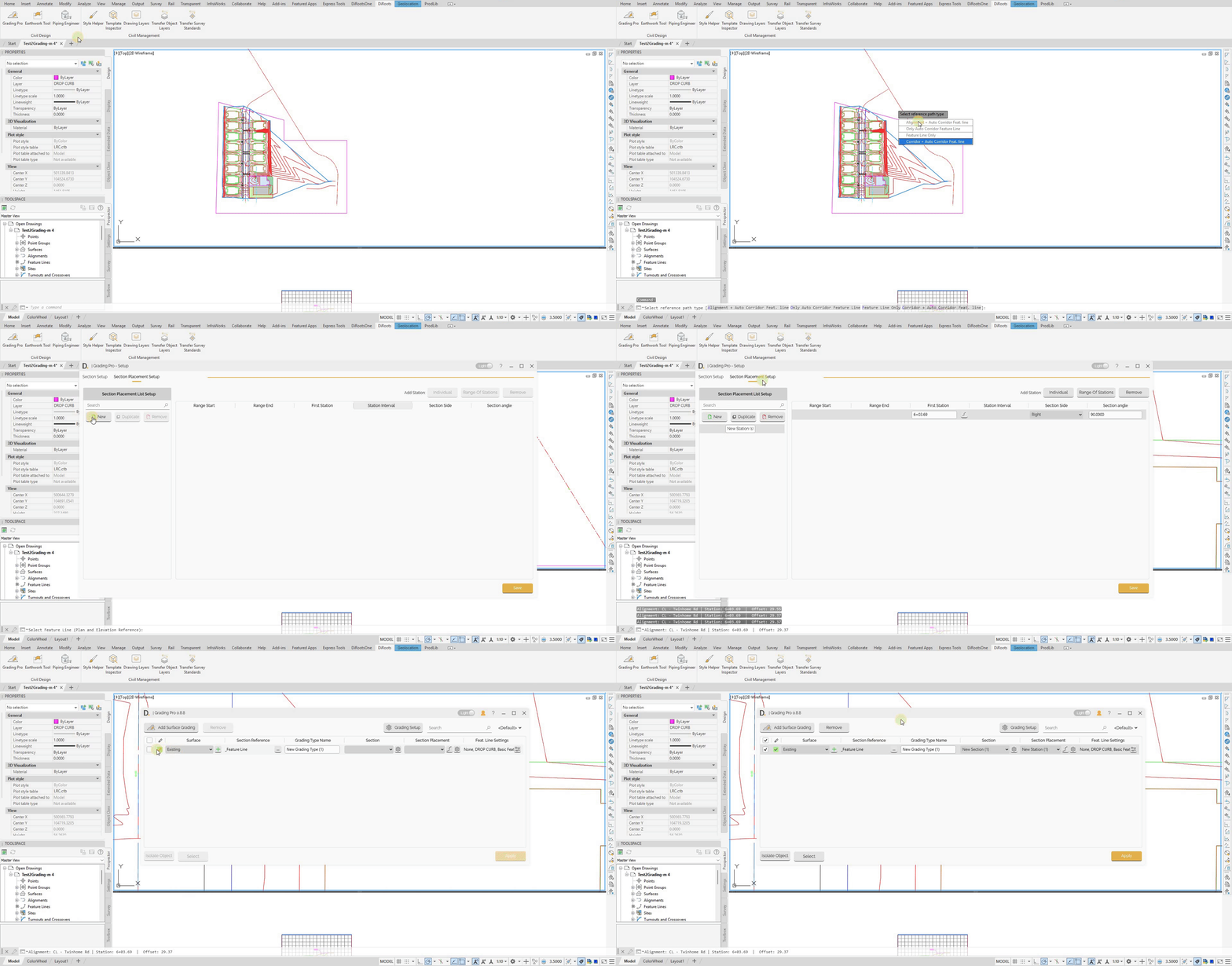
- Open Grading Pro - From the DiRoots tab.
- Select Surface - Choose the surface to modify.
- Select Path - Choose alignment or path for section placement.
- Set Grading Setup - Set up section and section placements.
- Apply Changes - Execute the surface modifications.
 Note: the version on the image may not reflect the latest version of DiCivil Package.